
Some design flows for designing products
UX Intentions: designing with purpose
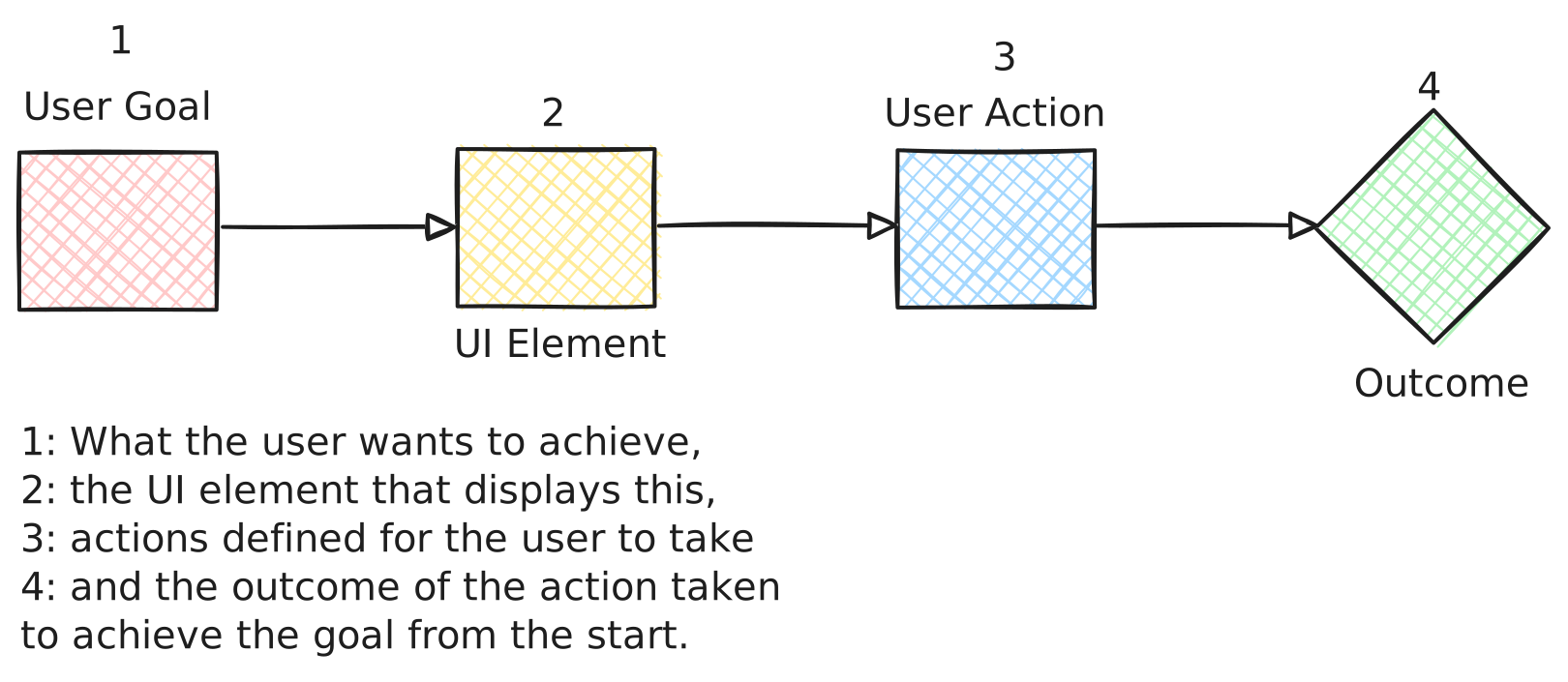
Clarity over decoration:
- Purpose: ensure every element has a clear reason for being there. If a UI exist, it should support a user task or decision.
- Action: Focus on each piece of the system (button, field, navigation) facilitates the user journey. Consider affordances like labelling, placement and flow.
Natural flow:
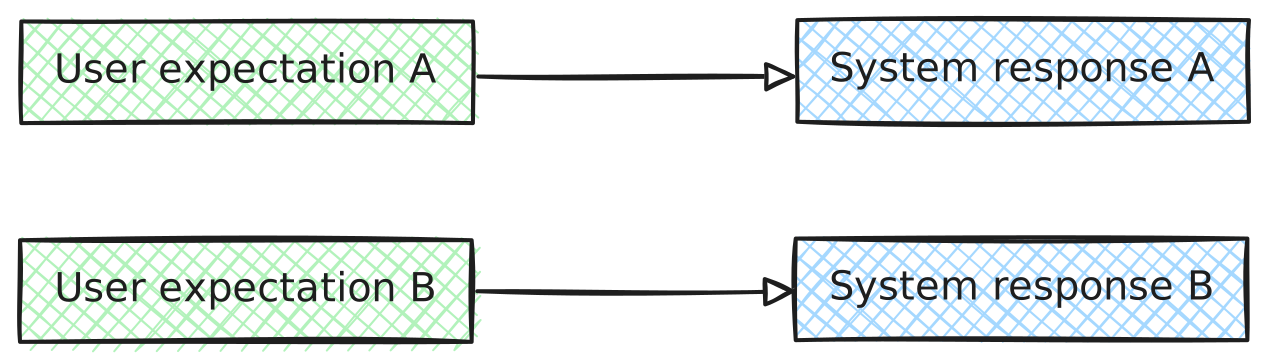
- Purpose: design paths that feel intuitive. Every step the user takes should make sense and feel like an extension of their thought process.
- Action: Ask "what does the user expect next? And why?" The answer becomes your guide for transitions, animations, and future steps.
Components as systems:
Components contract:
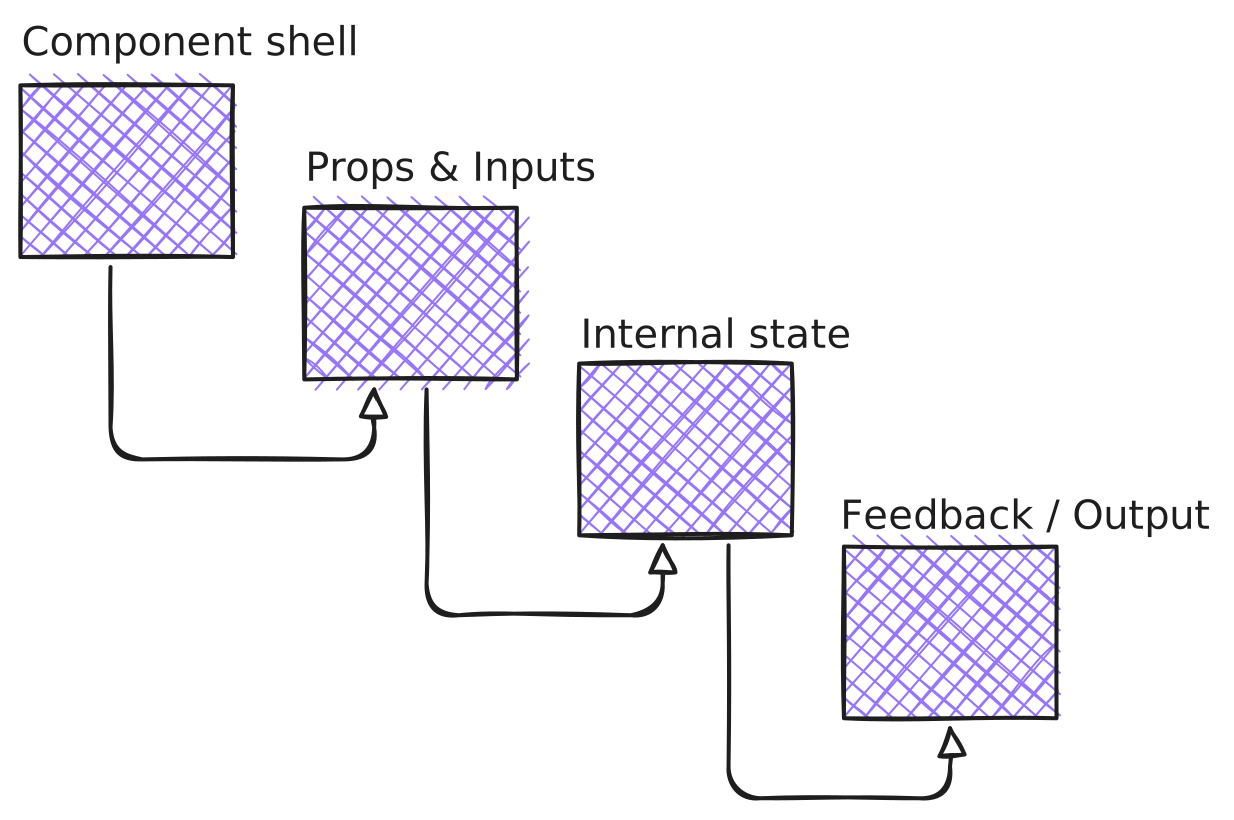
- Purpose: define what each component is responsible for. Make sure the contract is clear: "this is a button that handles submitting a form, it must always display feedback."
- Action: ensure each component is self-contained but connected to the overall logic. The more the user interacts with it, the more consistent it must be with its expected behavior.
Reactivity & feedback:
- Purpose: let every action have a reaction, no matter how small. E.g, a form button that turns active when the form is valid, or a loader spinning when data is being fetched.
- Actions: build into your components visible states for success, failure, loading, disabled, etc., but keep it minimal. Too much visual change can confuse the user.
Affordances & mapping:
Clear mental model:
- Purpose: users should understand the outcome of their actions as soon as they interact with something. If it's a button, the label should tell them exactly what happens.
- Action: use natual mappings. A submit button should clearly indicate its actions - don't rely on generic text like click me or click or submit. Be descriptive (e.g. save and submit).

Simplicity in design:
- Purpose: keep the interaction model simple. There's no need to introduce multiple ways to doing the same thing, unless necessary.
- Action: stick to conventions (e.g. back buttons, submit buttons, inputs) unless your system, requires more complex interactions for a specific reason.
States and interactions:
States are the story:
- Purpose: each interactive element has at least two states: default and activated. Think through its edge states (error, success, loading).
- Action: define all the possible states of your components upfront, then build out the transitions and edge cases. Focus on what users need at each state.
User actions & system feedback:
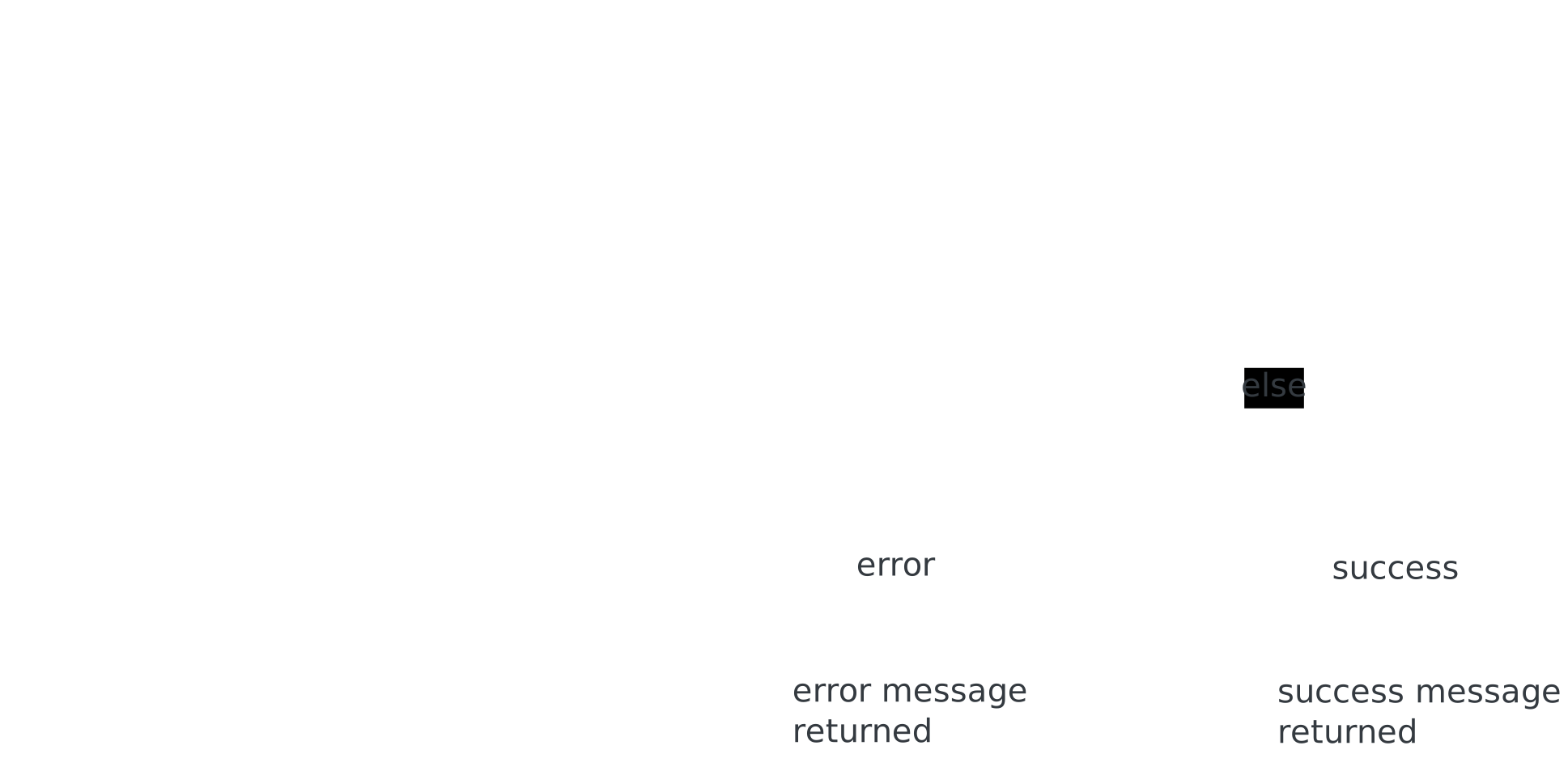
- Purpose: there should always be feedback when the system is waiting, thinking, or uploading; whether through micro-interactions (loading spinners, data-saving indications) or dynamic updates.
- Action: prioritise instant feedback to reduce confusion. If something takes time, make it visible. If something is wrong -- show it and explain, briefly.
Consistency & reusability:
Keep it consistent:
- Purpose: consistency isn't about repeating the same look everywhere, it's about using similar logic for similar interactions.
- Actions: reuse components and interactions across the app (e.g. models, buttons, cards) but customize them based on context. Users don't need to learn a new behaviour with each section of the app.
Reusability over perfection:
- Purpose: strive for reusable components and patterns -- think about how a login form's behaviour could be applied elsewhere.
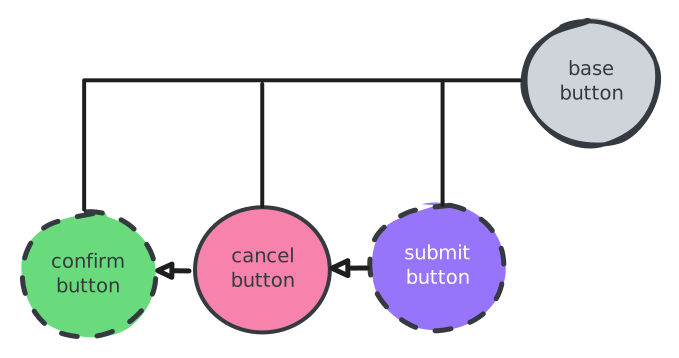
- Action: focus on making components modular, easily composable (like Vue composable or components) and flexible to handle different contexts. No need to be perfect each component visually -- optimise it for reuse.
Developer & design experience:
Clear readable code + design documentation
- Purpose: a great experience for developers is as important as a great one for users. Your code and component structures should make sense to anyone on the team.
- Action: use clear naming conventions, and keep docs for edge cases, behaviour, and stage transitions. Organise your components logically in the repo, and ensure your design decisions are documented too.
Seamless handoff:
- Purpose: design and logic should flow naturally into each other. Your designs should translate into code without any friction.
- Action: ensure that your frontend logic, components and stylesheets are documented in a way that someone else can pick them up and continue without confusion. Consider a design system (even though it's lightweight), ad always think about developer usability in parallel with user visibility.

Minimalism when in doubt:
Focus on essential elements:
- Purpose: when in doubt, remove the excess prioritise what matters most to the user.
- Action: don't design for aesthetics alone -- focus on the essentials. The user journey should be clear from the onset, the path taken to get there, minimal, and the components that creates this path should serve only the most critical functions.
Let content lead the decision:
- Purpose: content will guide the design. Design is a tool to support content, not the other way around.
- Action: emphasise readable typography, easy to digest copy, and flow that helps users absorb and act on the information presented.